◎
Opportunity tracking
Keep contacts, values, stages, priorities, next steps, and notes together.
A smarter way to track deals and opportunities. Built by entrepreneurs, just what you need, nothing you don’t.
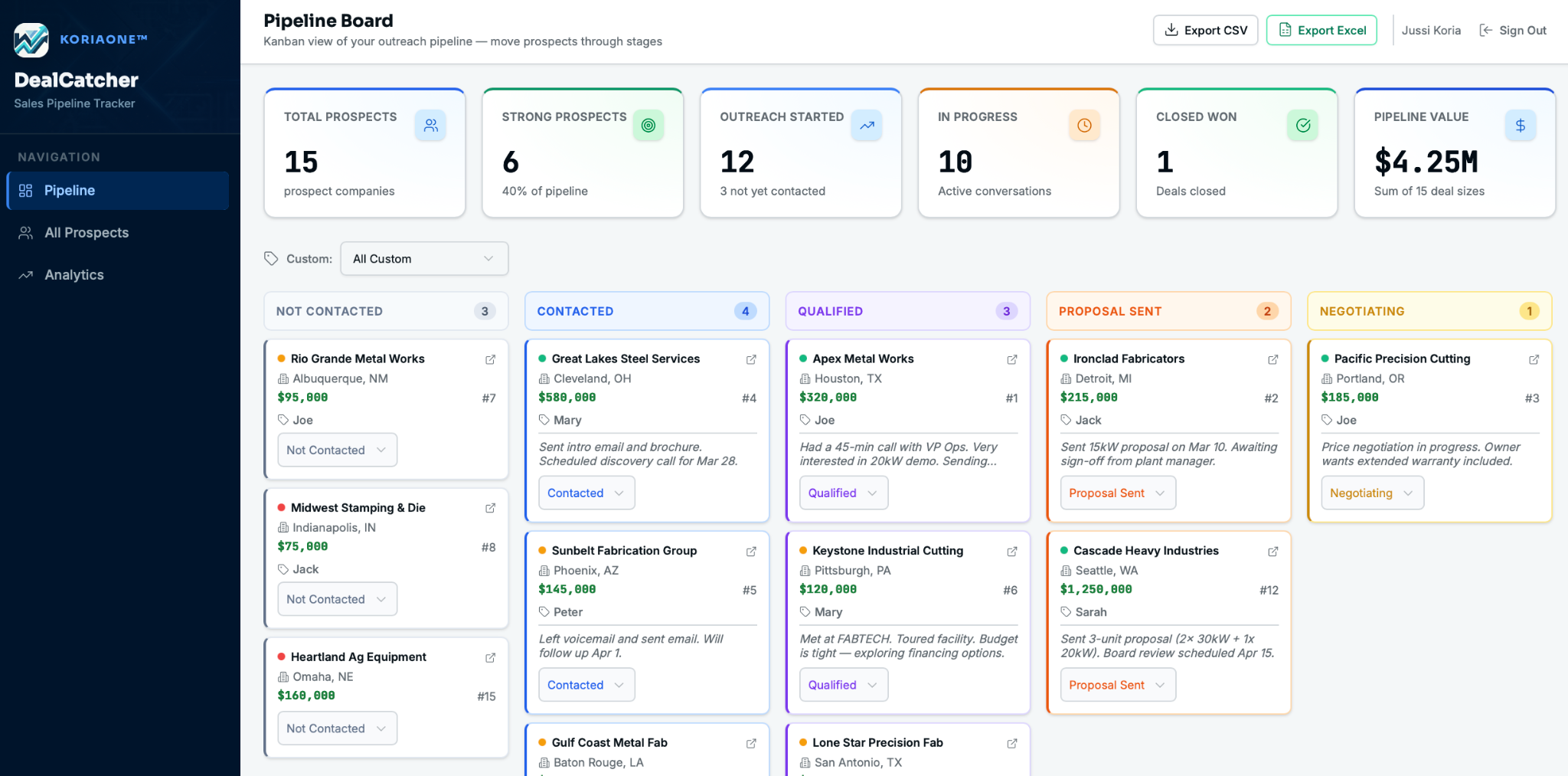
See every deal clearly and track progress across your entire pipeline.
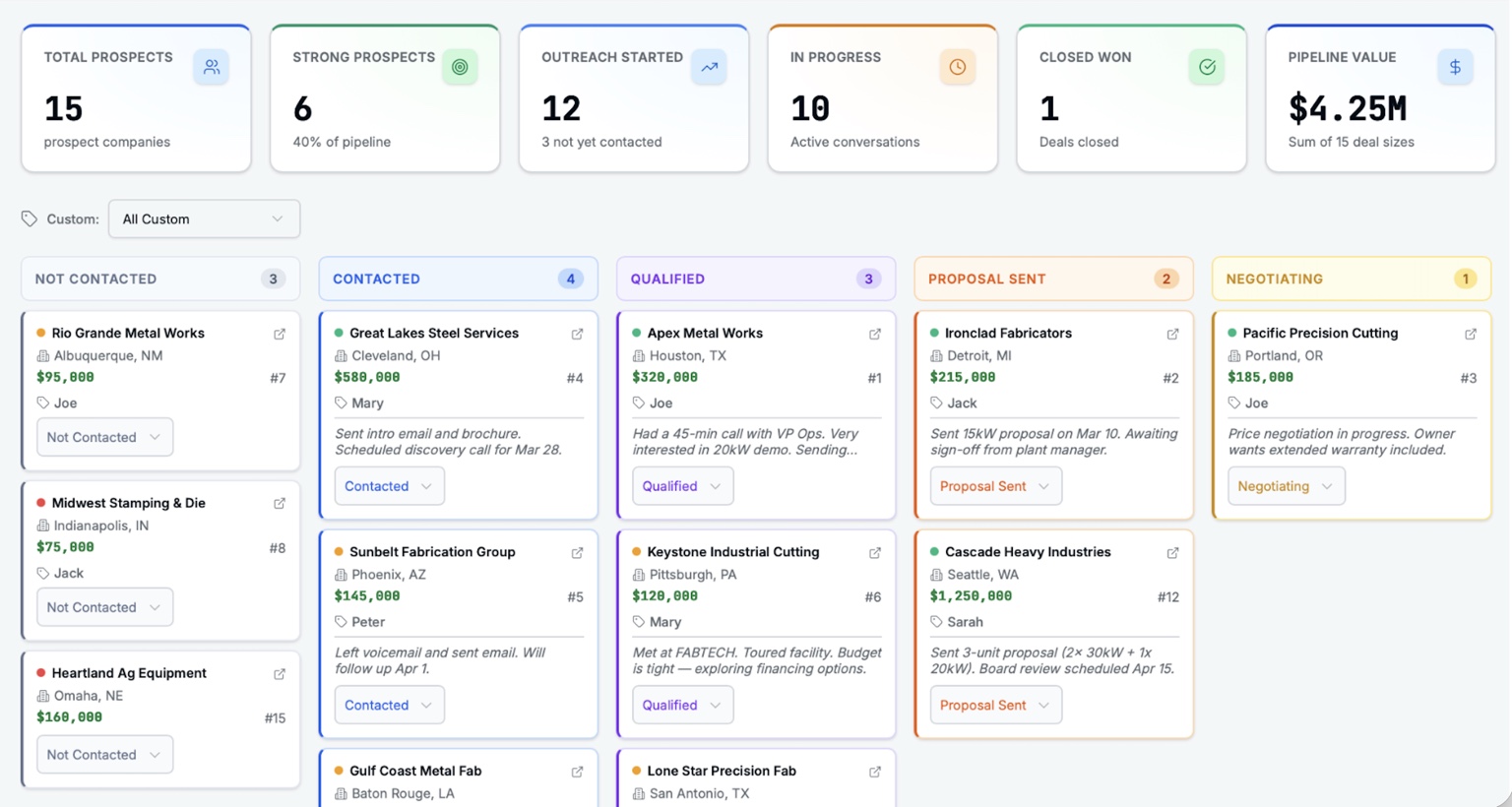
Get a clear view of your deals and make better decisions to close more.
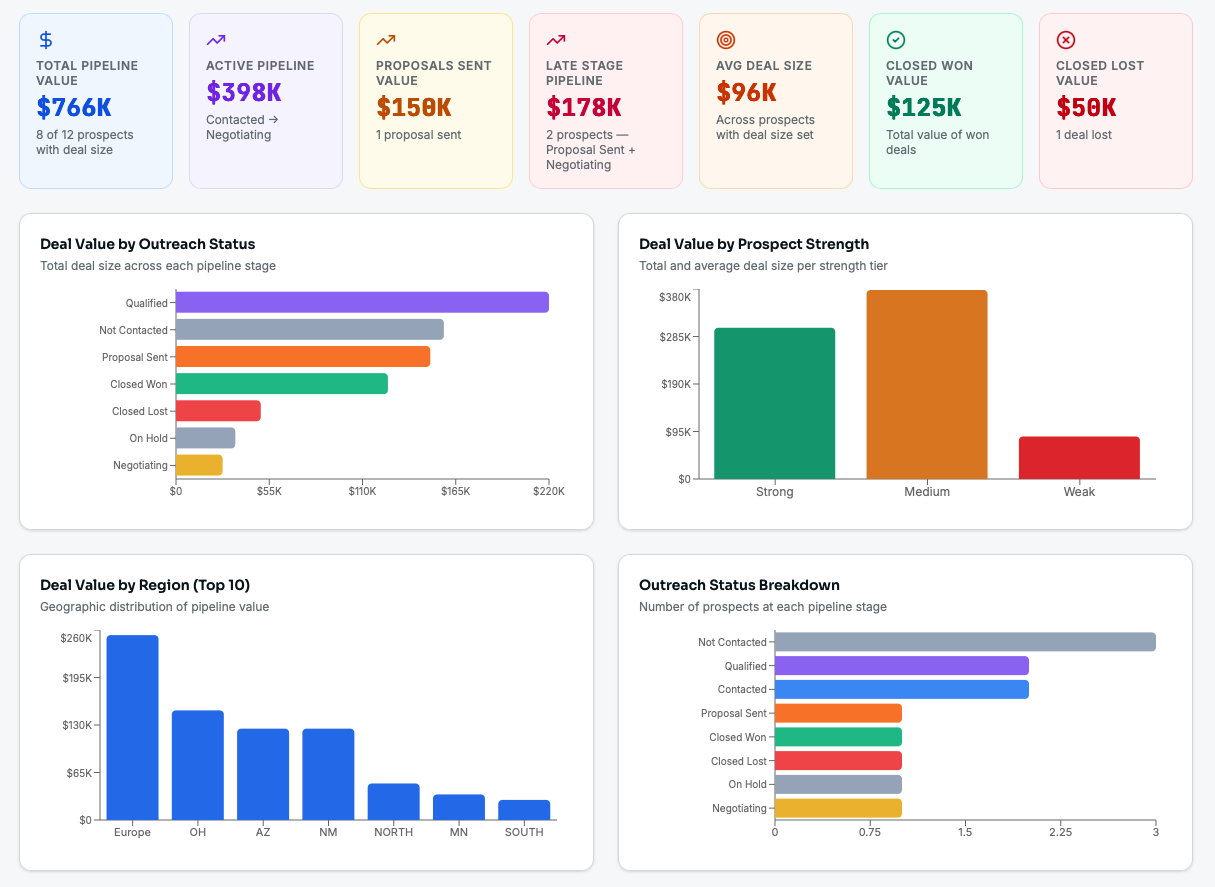
DealChaser gives small business owners, solo operators, founders, consultants, and lean sales teams a straightforward way to manage opportunities.
Keep contacts, values, stages, priorities, next steps, and notes together.
Bring existing data in and export it whenever you need a portable backup.
Self-Hosted and Managed Cloud users share the same deals while filtering their own opportunities.
Install it locally, run it on your own server or NAS, or use Managed Cloud and let us handle the environment.
For one person who wants a focused desktop CRM.
For businesses that want browser access inside their own environment.
For teams that want DealChaser hosted and maintained for them.
Choose the deployment model that fits how your business works.
Solo keeps DealChaser on your Mac or Windows computer.
Keep Self-Hosted inside your company environment.
Import and export Excel data without trapping it in a closed system.
Prefer not to manage an environment? Choose Managed Cloud.
| Capability | Solo | Self-Hosted | Managed Cloud |
|---|---|---|---|
| Pricing model | One-time | One-time | Setup + monthly hosting |
| Mac app | ✓ | — | — |
| Windows app | ✓ | — | — |
| Local single-user install | ✓ | — | — |
| Browser access | — | ✓ | ✓ |
| 5 users included | — | ✓ | ✓ |
| Customer-managed environment | ✓ | ✓ | — |
| Managed hosting | — | — | ✓ |
| Excel import / export | ✓ | ✓ | ✓ |
| GDPR / PII support features | ✓ | ✓ | ✓ |
Solo is a local install for one user on Mac or Windows. Self-Hosted runs on your company server or NAS for browser-based team access. Managed Cloud is hosted and maintained for you.
Managed Cloud is for teams that want DealChaser without setting up their own server or NAS. It is hosted in Cloud with browser access from any device.
Solo and Self-Hosted are one-time purchases with no recurring software fee. Managed Cloud includes a low monthly hosting fee and has no long-term commitment.
Yes. DealChaser supports Excel import and export, helping you get started and keep a portable backup.
Yes. In Self-Hosted and Managed Cloud, users share deal and opportunity visibility. Each person can also filter their own opportunities.
You do. Solo and Self-Hosted stay in your environment. Managed Cloud customers can export their data and keep it when they stop the service.
Choose the DealChaser version that fits your business.
Visit the DealChaser store